How to write CRM follow-up emails with AI that still sound like you
Use CRM notes to draft a follow-up email with AI, then cut stock phrases, check the details, and keep one clear ask.
A follow-up that thanks the prospect for their time, hopes they are well, and asks three questions still leaves out the reason to reply. Start with something from the call: the reporting problem they described, the deadline they face, or the document you promised to send.
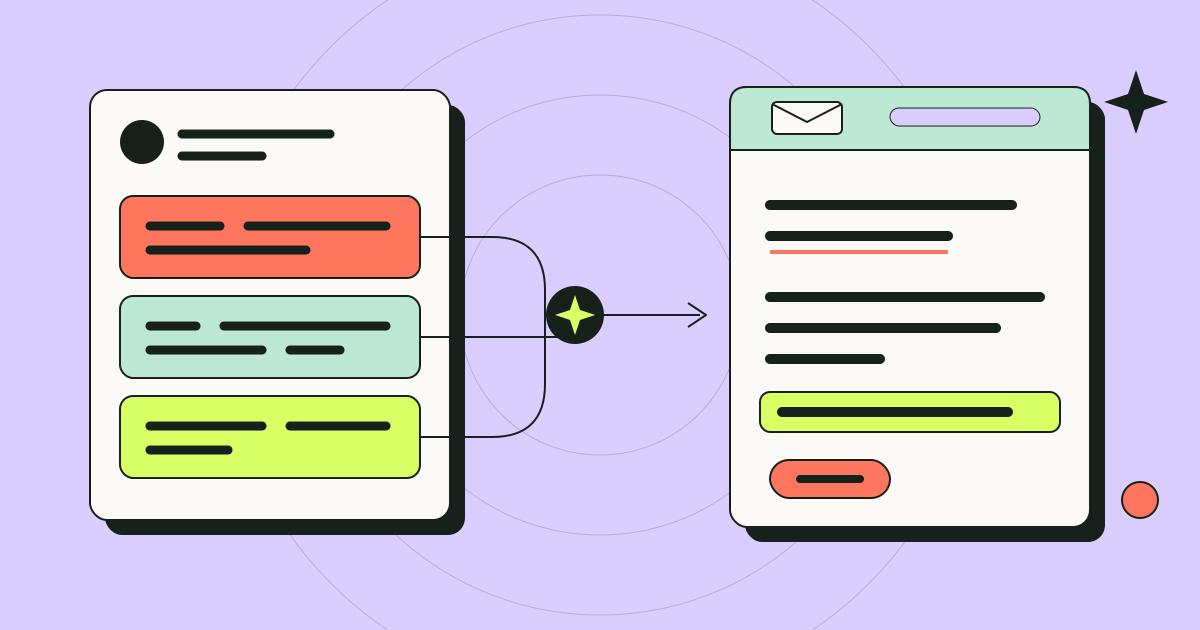
Use AI to draft from the CRM record, then check the facts and edit the wording yourself. The workflow below starts with call notes and ends with an email that addresses the prospect’s question and proposes one next step.
Start with the record, not a blank prompt
“Write a follow-up email to a prospect” leaves out who the prospect is, what you discussed, and why you are writing. Give the model the context you would review before writing by hand.
Gather these details from the CRM record before you prompt:
- Call notes. What the prospect actually said, in their words where possible. Objections, constraints, and named colleagues matter more than a summary of your pitch.
- Deal stage. Match the detail and next step to the stage: an introduction after a first call serves a different purpose from an answer to a pricing question.
- Last touch. What was sent or discussed most recently, and when. Use this history to check for repeated attachments or introductions to a product the prospect has already seen.
- The one next step. Decide it before drafting. The model should not choose your ask for you.
If you are choosing between HubSpot and Salesforce, include a follow-up task in your evaluation: find the latest call notes, review the activity history, and collect the details needed for an email. Check the same steps in your current setup. A deal-stage label alone does not explain what the prospect asked for. Whatever you use, check what your workplace allows you to share with an external model service before pasting customer details into one.
Set clear limits in the prompt
Once you have the notes, tell the model to use only those details. For example:
Draft a follow-up email under 120 words to the prospect described below. Use only the call notes and deal details provided. Open with the most relevant point from the call, not a greeting or thanks. Include one clear next step: the one I have specified. Do not invent quotes, results, pricing, or features. If something needed for the email is missing, mark it in brackets.
Review every bracketed gap before sending, and check dates, discounts, and product claims against your records. Remove unsupported details or replace them with confirmed information, even in a two-line email.
Then make these four edits.
Cut the generic opener
Delete the first sentence if it could open any email to anyone. “I hope this finds you well,” “Thanks so much for taking the time,” and “Great connecting today” usually postpone the point. Start where the prospect's attention is: the problem they described, the question they asked, or the thing you promised to send.
Replace stock phrases
Replace vague phrases such as “I wanted to circle back,” “seamlessly,” “unlock,” and “I'd love to explore how” with the action or question you mean. For example, change “unlock better reporting” to “review the export steps we discussed.” Keep bullets when they help the prospect scan several distinct points; use a sentence for a single question.
Copying a draft out of a chat tool can also carry characters you cannot see, such as non-breaking spaces or zero-width characters. They do not prove anything about authorship, but they can cause odd spacing in some email clients and templates. Paste the draft into the free inspector to check for them, and read the invisible-character guide before removing anything from multilingual text.
Add a relevant detail from the call
Check whether the draft includes the detail that explains your next step: why a deadline matters, who will review the proposal, or which tool the prospect wants to replace. Add it from the notes or your recollection of the call. For example, naming the colleague who approves the budget explains why you are inviting them to the walkthrough. Use a detail that helps the recipient act, and leave out anything you cannot confirm.
Keep a single clear ask
End with one next step the prospect can say yes or no to. “Would Thursday at 2pm work for a 20-minute walkthrough with your finance lead?” is easier to answer than a menu of options followed by “let me know your thoughts.” If the draft contains a second ask, move it to a later email.
A fictional before and after
The following example is invented to illustrate the edit. The company, people, and details are fictional.
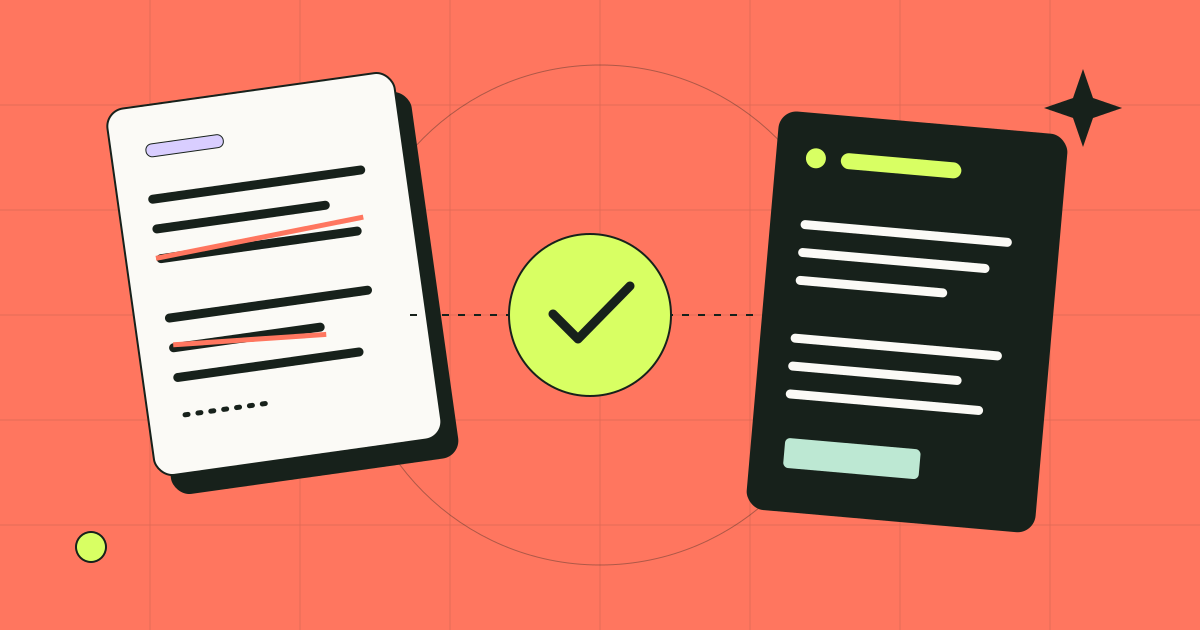
Before (generic draft):
Hi Dana, I hope this email finds you well! Thank you so much for taking the time to connect today. I wanted to circle back on our conversation and share a few key takeaways: streamlined onboarding, seamless reporting, and enhanced team visibility. I'd love to explore how we can support your goals. Would you be open to a follow-up call, a demo, or a trial? Let me know your thoughts!
After (edited by the rep):
Hi Dana, you mentioned the quarterly report currently takes your team most of a week because the data lives in three spreadsheets. The export walkthrough I promised is attached. Since Priya signs off on the budget, would Thursday at 2pm work for a 20-minute look at it with both of you?
The revision opens with Dana’s reporting problem, names the promised attachment, explains why Priya should join, and replaces three options with one next step.
Keep your own voice consistent
If you send many follow-ups, describe your writing habits once and reuse that description: contractions or not, typical length, how you sign off, whether you use the prospect's first name. The rewrite playbook helps turn those habits into editing constraints, and our guide to humanizing a draft in your own voice walks through a fuller example. The field guides cover detectors, invisible characters, and editing for voice in more depth.
Read the final email aloud and change any wording you would not use on a call. Check names, dates, claims, and attachments, then send it.